Mosquito-Free Living Insights
Setting Up Your Solar Bug Zapper for the First Time
Just unboxed your zapper and not sure where to start? Good news — there's nothing complicated here. A few minutes of setup now means it's ready to go the first evening you want to use it.
Step 1: Give it a full charge before first use
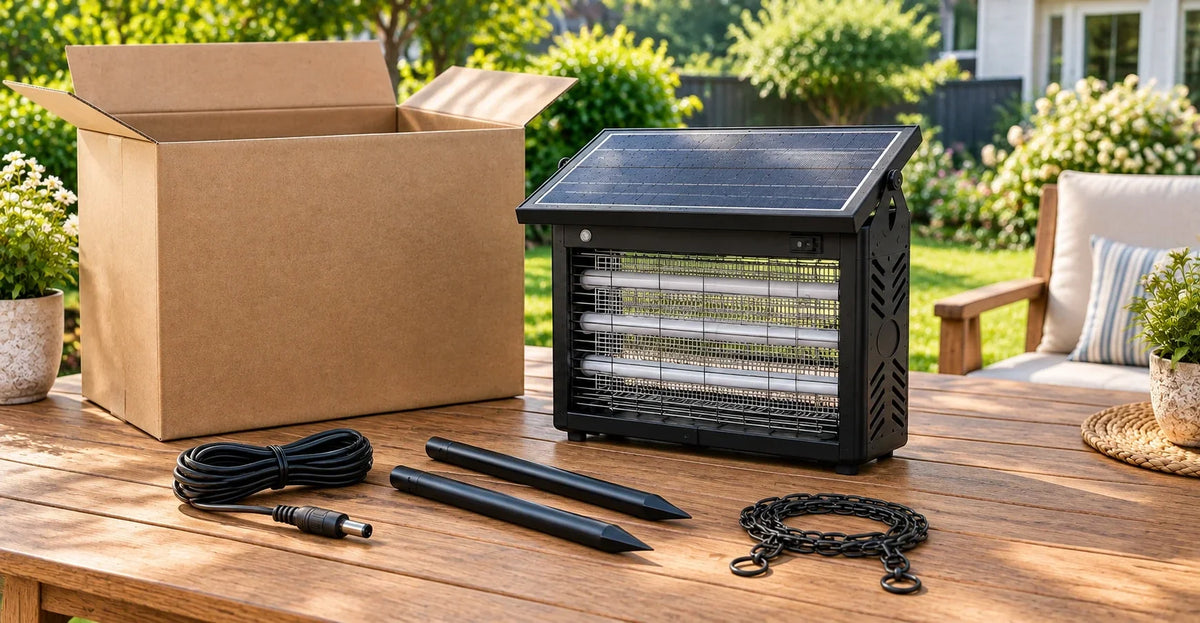
Before you mount it anywhere, plug it in using the included charging cable (it connects via a DC round plug — not USB-C, so double-check you've got the right cable) and let it charge up fully. The battery indicator light will tell you what's going on: red means it's charging, green means it's topped off and ready.
Step 2: Pick your mounting method
There are three ways to set this one up, so the right choice really just depends on where you want it:
- Hang it using the built-in chain — good for tree branches, pergolas, awnings, or anywhere with something sturdy overhead
- Stake it into the ground using the included ground stakes — good for open lawn areas, garden edges, or anywhere you don't have an overhead mounting point
- Set it on a flat surface — good for a patio table, deck railing, or dock if you want something you can move around easily
None of these is "more correct" than the others — it's built to handle all three, so pick whichever fits your space.
Step 3: Think about position, not just method
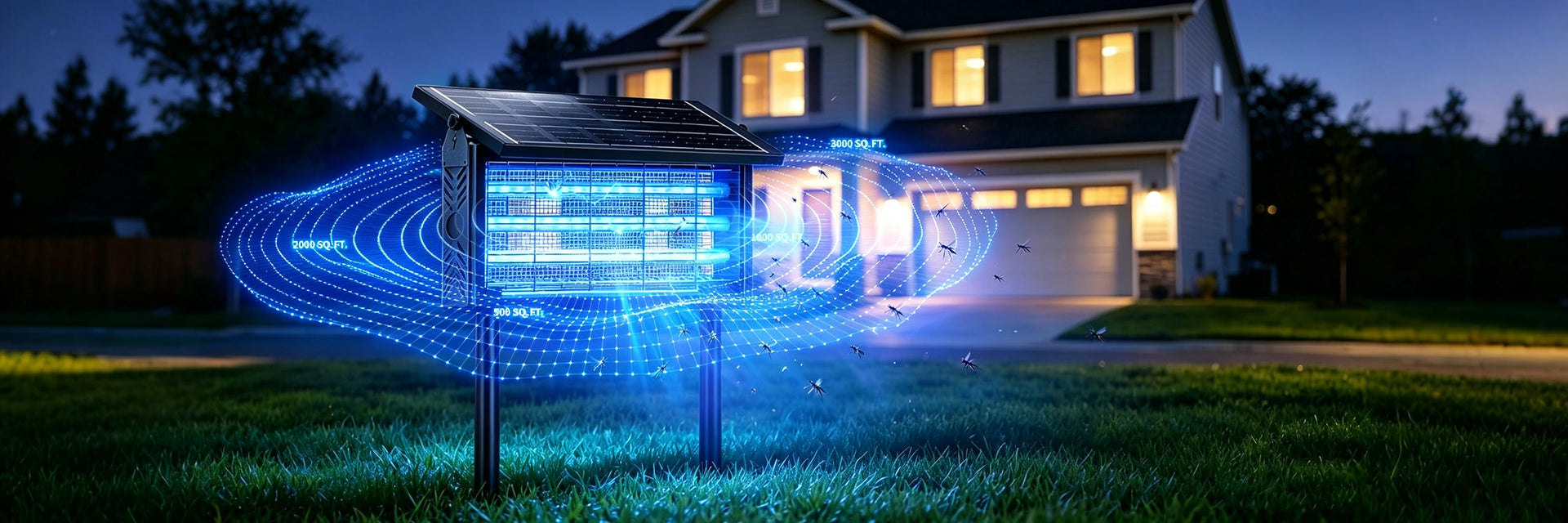
Wherever you mount it, try to give it a little breathing room — some open space around it rather than tucking it right up against a wall, dense shrub, or directly behind furniture. It's also worth keeping it a comfortable distance from where people actually sit, rather than right next to the table or chairs.
If the spot you want gets good sun but isn't near where you'd want the unit itself (say, a sunny corner of the yard but you want the light near the patio instead), the 20ft solar extension cable that comes with it lets you separate the panel from the main unit — panel in the sun, zapper wherever's more convenient.
Step 4: Turn it on and pick a mode
Flip the ON/OFF switch, then decide between Smart Auto Mode (it senses dusk and turns on by itself, then shuts off automatically at sunrise) or manual mode if you'd rather control exactly when it runs. Most people set it to auto mode once and don't think about it again.
Step 5: Let it settle in for the first evening
Since it's rated IPX5 for outdoor use, you don't need to bring it in if the weather turns — rain and humidity aren't something you need to plan around. Just let it run its first night, check in the next morning, and adjust placement if you notice a spot nearby still feels buggier than expected.
That's really it — no complicated wiring, no manuals to memorize. Charge it, mount it, flip the switch, and you're set for the season.