
Mosquito-Free Living Insights
Winter Storage Guide: How to Store Your Bug Zapper Off-Season
Why Off-Season Storage Matters
A bug zapper that gets packed away dirty, still charged, or with a battery left inside can come out of storage in worse shape than it went in — corroded contacts, a drained or swollen battery, or a unit that simply won't power on. A few minutes of prep before storage season goes a long way toward avoiding a spring replacement.
This guide covers the general steps most electric mosquito control devices benefit from before an extended period of non-use. Because designs vary by model, always check your specific product's manual for any steps unique to your unit — this is general guidance, not a substitute for manufacturer instructions.
Step 1: Power Down and Disconnect
Before doing anything else, turn the unit off and unplug it or disconnect it from any external power source. If the device charges via a USB-to-DC or similar cable, remove the cable entirely rather than leaving it connected but powered off — a connected cable can sometimes allow trickle current to reach internal components.
Step 2: Discharge Any Capacitor (High-Voltage Grid Models)
Bug zappers that use an electrified grid typically rely on a capacitor to store the charge needed to kill insects on contact. Even after a unit is unplugged, that capacitor can retain a charge for some time — this is a real safety consideration, not just a maintenance step.
General guidance for grid-style zappers:
- Never open the housing or touch the grid area without confirming the manual's discharge procedure. Some manufacturers recommend a specific waiting period after unplugging before the unit is safe to handle internally; others specify a grounding or discharge tool.
- Do not assume a capacitor is discharged just because the unit is off and unplugged. Stored charge in a high-voltage grid zapper can be dangerous to touch directly.
- If your model's manual doesn't cover discharge procedure, contact the manufacturer or retailer before attempting to service the unit yourself.
Note: solar-powered mosquito traps that don't use a high-voltage grid (relying instead on light attraction and a fan or adhesive/water tray) generally don't carry this capacitor risk, which simplifies their storage prep — but always confirm against your specific model's design.
Step 3: Clean Before Storing
Insect debris left inside a zapper over several months of storage isn't just unpleasant to find in spring — it can attract pests, hold moisture, and in grid models, interfere with the killing grid's function once reactivated.
- Remove the collection tray or catch bag (if the model has one) and empty it completely.
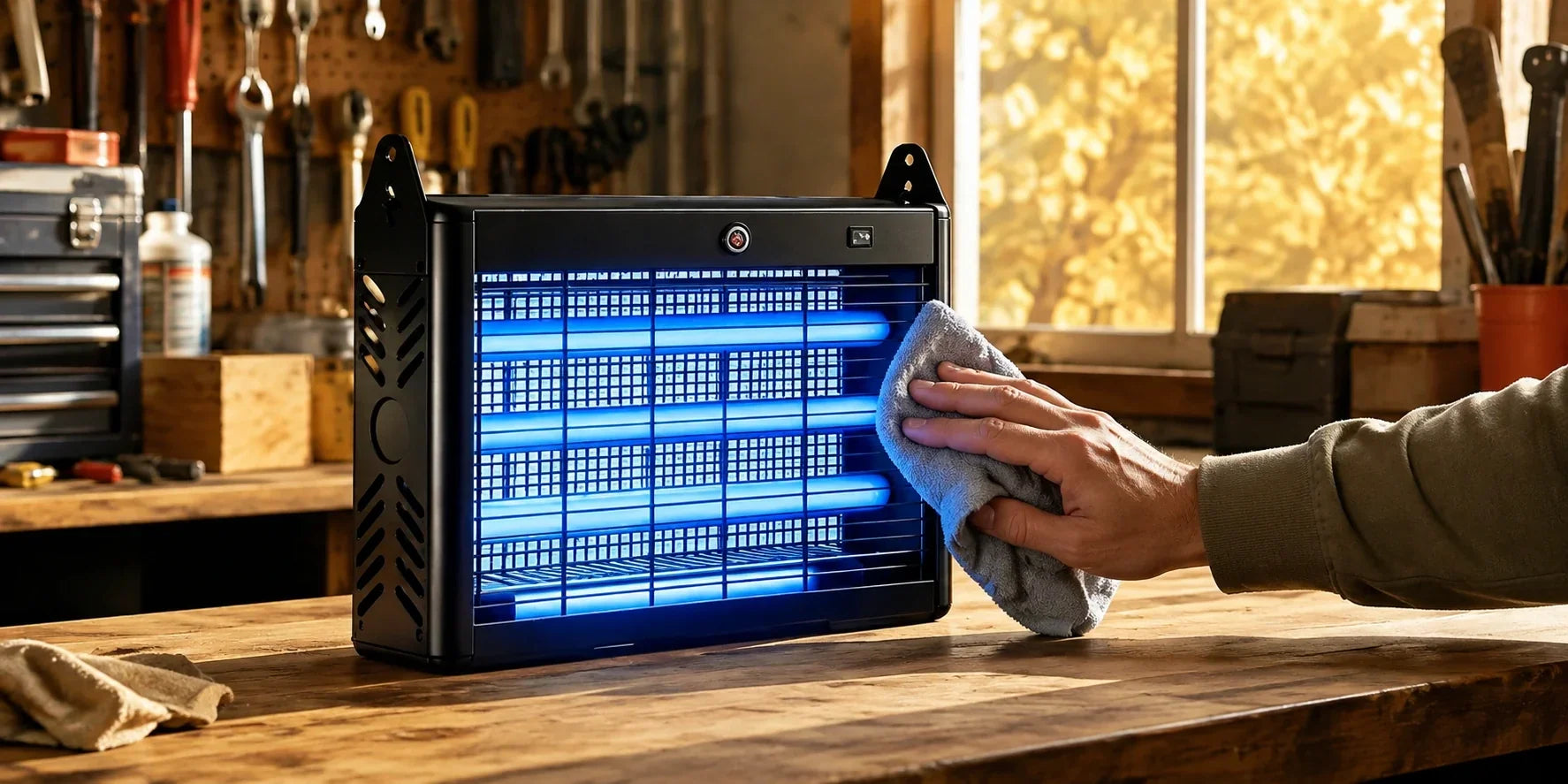
- Wipe down the grid or capture area according to the manual — some models specify a dry brush only, others allow a lightly damp cloth once fully powered down and (for grid models) confirmed discharged.
- Clean the exterior housing with a soft cloth to remove dust, pollen, or grime that built up over the season.
- Let everything dry completely before packing the unit away — trapping moisture inside during storage is a common cause of corrosion.
Step 4: Battery Care
For battery-powered or solar-rechargeable units:
- Don't store a fully depleted battery. Lithium batteries in particular are generally recommended to be stored at a partial charge (commonly cited around 40–60%, though this varies by manufacturer) rather than fully charged or fully drained, since both extremes can shorten battery lifespan over a long storage period.
- Check the manual for whether the battery should be removed from the unit for storage or left in place. Some devices are designed for the battery to stay installed; others recommend removal for extended off-season storage.
- Store batteries at moderate, stable temperatures. Extreme heat or cold — like an uninsulated shed or attic — can degrade battery capacity faster than a temperature-controlled space like a garage shelf or closet.
- Check charge level periodically if storing for several months, since self-discharge over time can bring a battery down to an unsafe storage level even without use.
Step 5: Choose the Right Storage Spot
- A dry, temperature-stable location is preferable to anywhere exposed to freezing temperatures, high humidity, or direct sun through a window.
- Original packaging, if you kept it, is often the best-fit protection for the unit's shape and any fragile components like the grid or sensor.
- If original packaging isn't available, a breathable storage bag or box is generally preferable to fully sealed plastic, which can trap residual moisture.
Spring Reactivation Checklist
When it's time to bring the unit back out:
- Inspect the housing, cord, and any exposed components for cracks, corrosion, or pest damage from storage.
- Recharge the battery fully (or check charge level) before first use.
- Wipe down the unit again to remove any dust that settled during storage.
- Power on in a safe, open area first before placing it in its regular outdoor spot, to confirm it's functioning normally.